
Understanding Auto Assignment:
Auto Assignment on the Citylitics platform helps you quickly find important early-stage intelligence, called "insights," that is relevant to your particular area of business
Here's how it works:
- This configuration is completed through your Customer Success Manager and can be tailored based on the geographic scope that you oversee
- When you use the Citylitics platform, insights related to your specific areas of responsibility (like water infrastructure projects in CA and WA) are automatically catalogued and assigned to you in the platform once the configuration is in place.
- These insights appear on your "Assigned User" page.
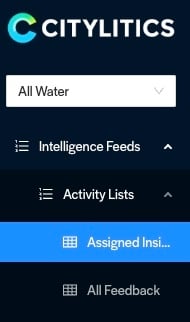
- With just one click, you can see a page full of insights that are of greatest interest to you
- From here you can review and prioritize your insights and start pursuing leads
*Contact your Customer Success Manager if you would like to have this customization added to your platform!
Understanding Manual Insight Assignment:
Manual Assignment on the Citylitics platform helps you quickly tag another person on important early-stage intelligence, called "insights," that is relevant to your particular area of business
Here's how it works:
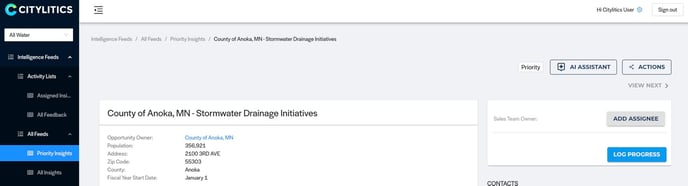
- When you go to 'view' an insight, you have the ability to 'ADD ASSIGNEE'
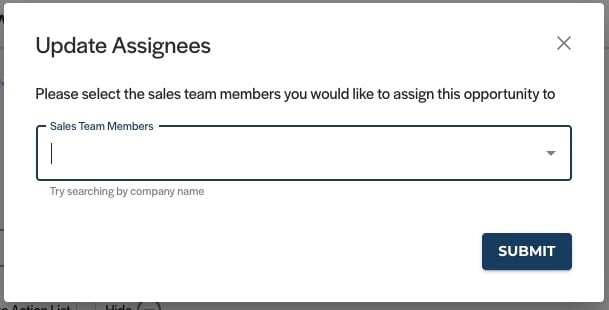
- From there, a window will pop up and allow you to select any other Citylitics user's name to also assign them to this insight
- This insight will now appear under their 'Assigned Insights' page under their name
How to Quickly Access Your Assigned Insights 🚀 - Watch Video
